System Insight
All payloads are encrypted prior to Meta handoff.
Live Connection Matrix
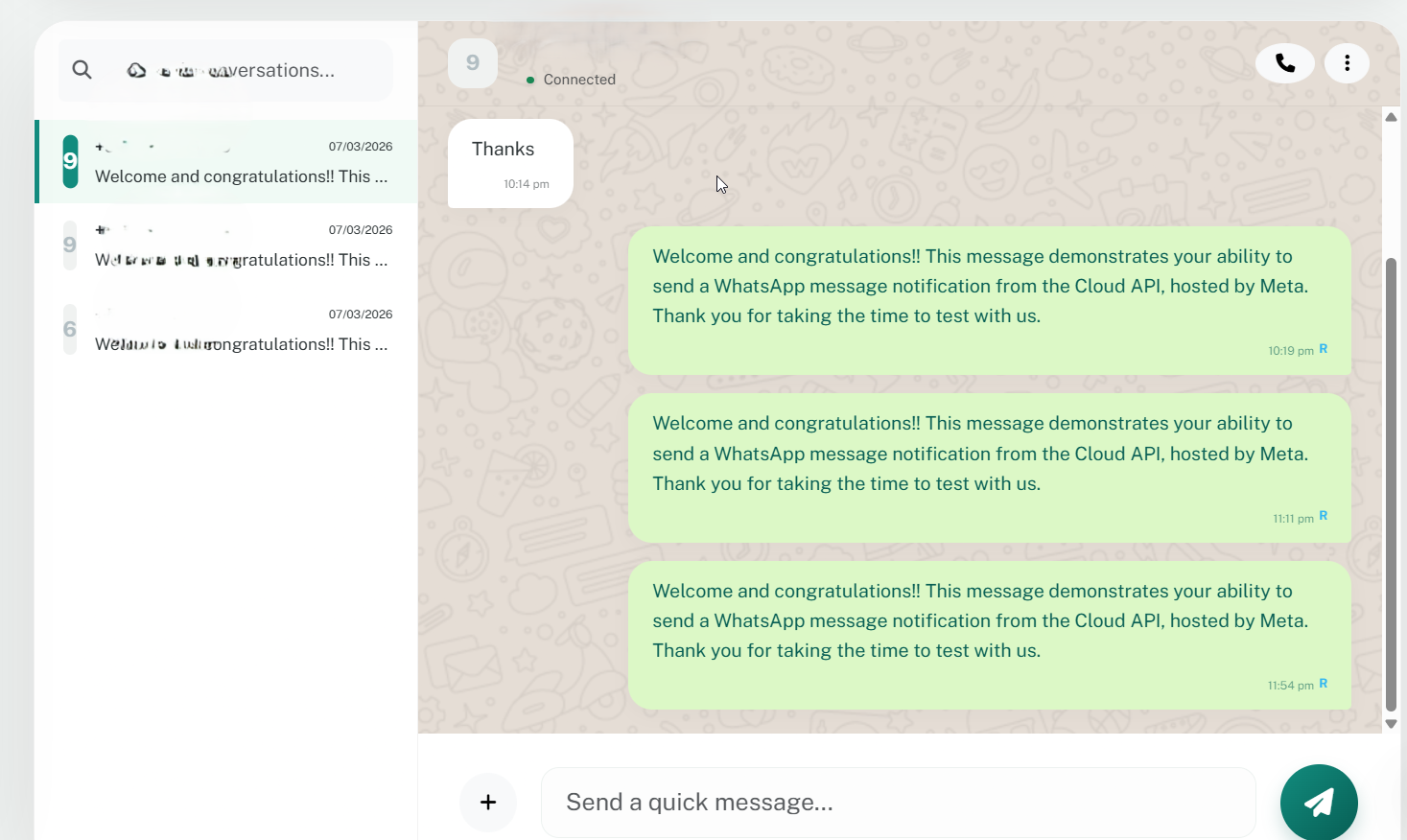
Customer Engagements
Bridge Active Flow
Synchronize with a conversation node to reveal the historical message chain.
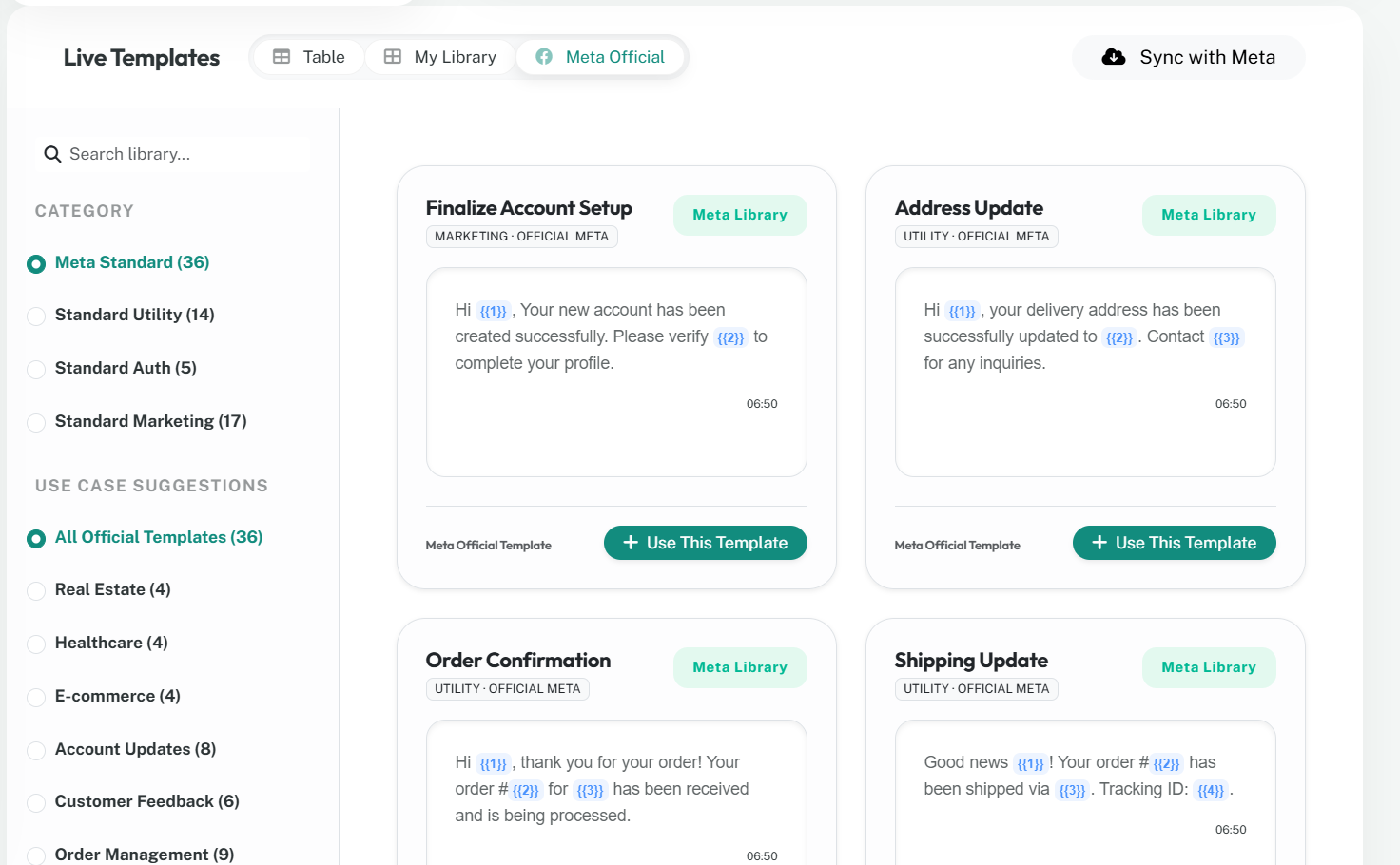
Modular Logic Library
Communication Assets
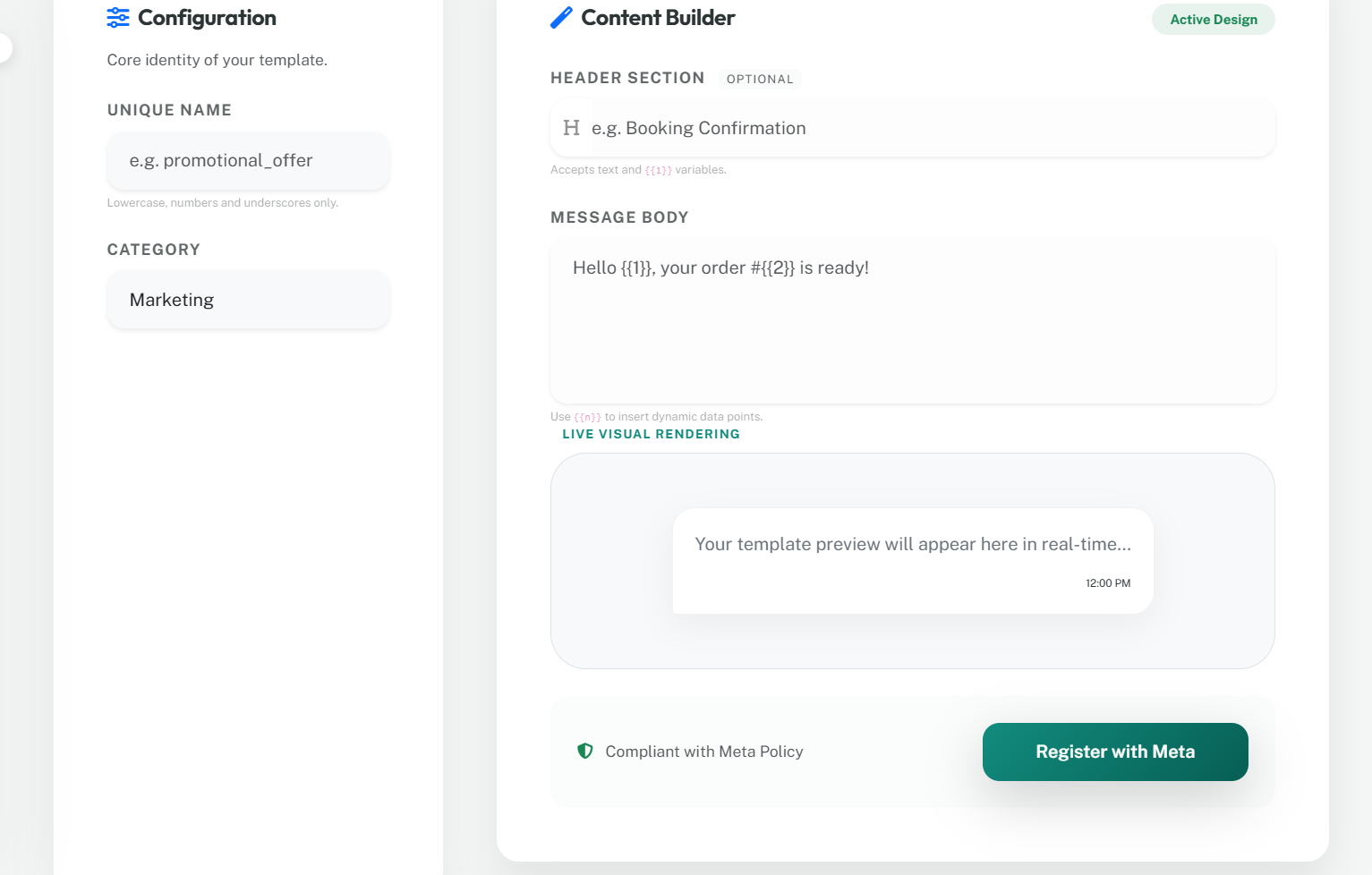
Architect New Asset
Live Asset Cluster
| NAMESPACE | PRIMARY LOCALE | META STATUS | NODE ID | ORCHESTRATION |
|---|
Event Logs
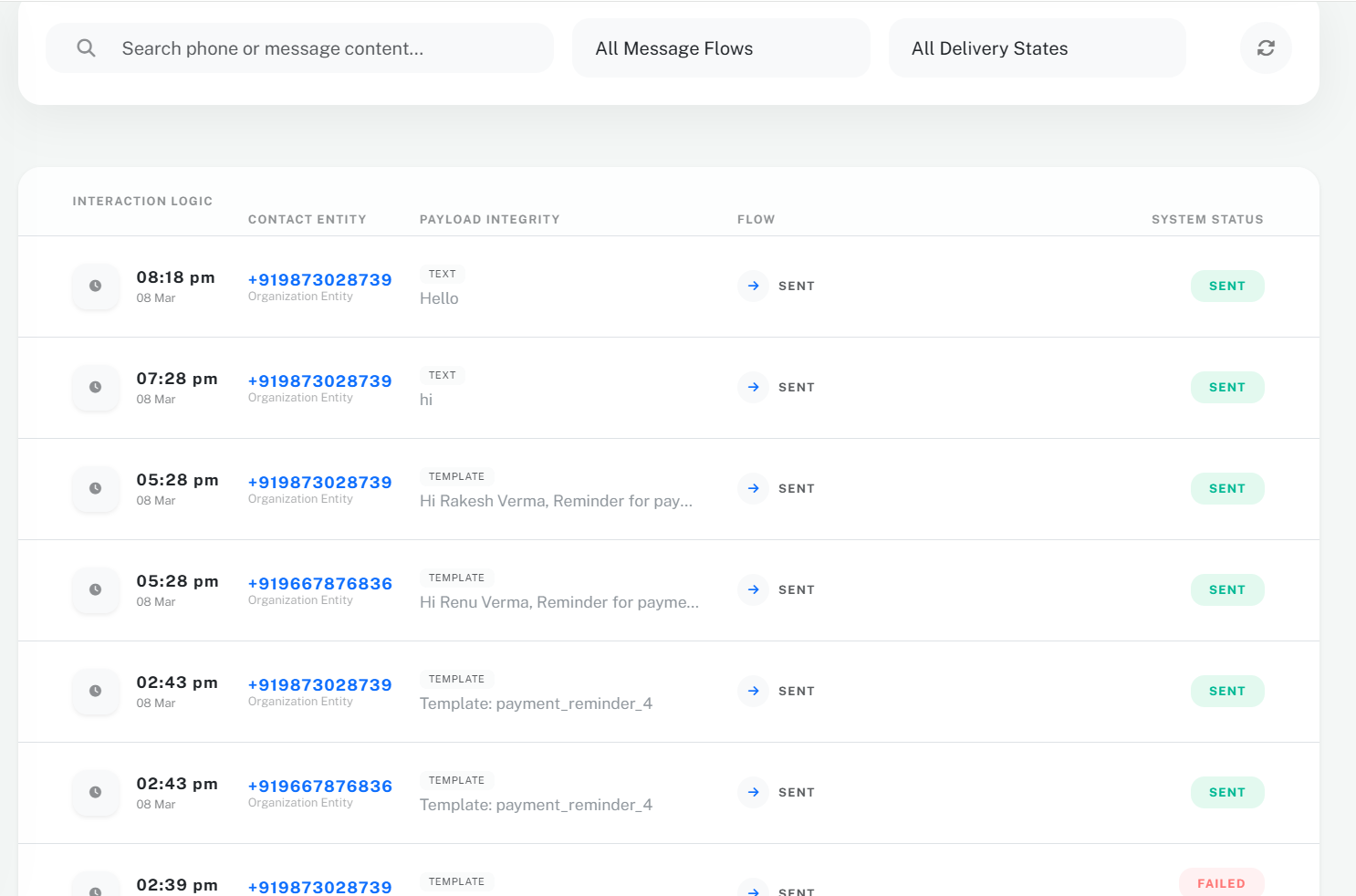
Communication History
| TIMELINE | NODE DESTINATION | ASSET TYPE | PAYLOAD FRAGMENT | FLOW | DELIVERY |
|---|
Infrastructure Management
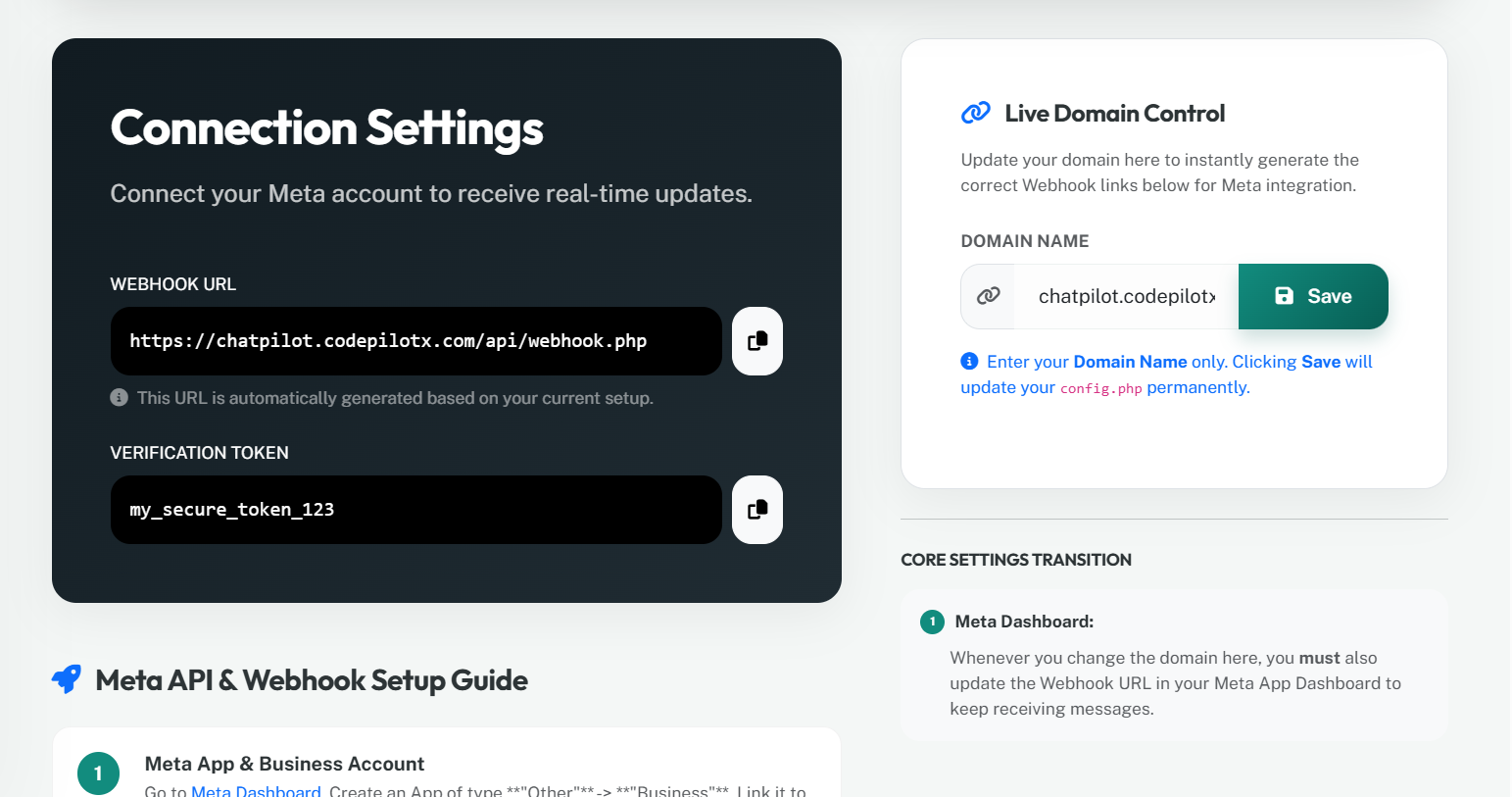
Global Webhook Gateway
Connect your Meta Cloud Infrastructure to this node for real-time engagement syncing.
https://chatpilot.codepilotx.com/api/webhook.php
This URL is automatically synchronized with your current environment.
my_secure_token_123
Meta API & Webhook Master Guide
Meta App & Business Portfolio
Go to Meta Dashboard. Create an App of type **"Other"** -> **"Business"**. Link it to your Meta Business Account.
Activate WhatsApp Product
In your App Dashboard, find **"WhatsApp"** in the "Add Products" section and click **Set Up**. This creates your testing environment and default WABA setup.
Generate Permanent Access Token
- Go to Business Settings > System Users.
- Add a System User (Admin role).
- Click **Generate New Token**, select your ChatPilot App.
- Permissions required:
whatsapp_business_messaging,whatsapp_business_management.
Paste this token into your config.php
immediately.
Extract Cluster IDs
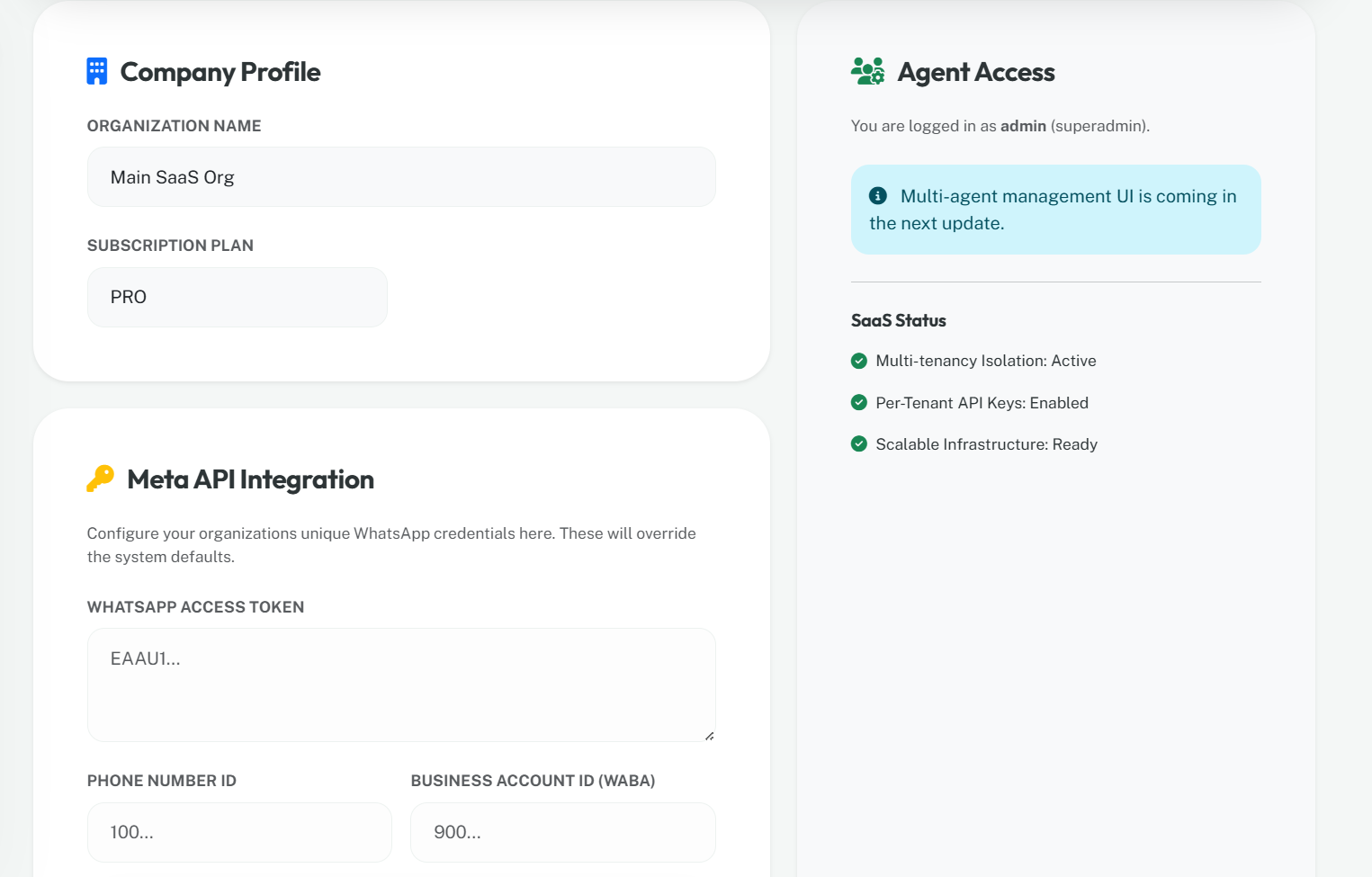
Go to WhatsApp > API Setup. Copy the Phone Number ID
and WhatsApp Business Account ID into your config.php. These
identify your specific node in the Meta cluster.
Configure Callback Handshake
Go to WhatsApp > Configuration. Click **Edit**. Paste:
- Callback URL: The URL displayed on the left of this tab.
- Verify Token:
my_secure_token_123
Subscribe to Logic Events
In the configuration screen, click **Manage**. You **must** subscribe to: messages (received replies) and message_template_status_update (approval alerts).
Go Live & Scale
Switch your app from **"Development"** to **"Live"** in the top navigation bar. For production, ensure your Business Portfolio is verified by Meta to remove messaging limits.
Live Domain Control
Update your domain here to instantly generate the correct Webhook links below for Meta integration.
config.php permanently.
CORE SETTINGS TRANSITION
Whenever you change the domain here, you must also update the Webhook URL in your Meta App Dashboard to keep receiving messages.
Connectivity Check
Meta requires an SSL (HTTPS) connection for webhooks. Ensure your Hostinger hosting has an active SSL certificate.
Zero Meta Surcharge
Webhooks are free and unlimited. They only consume standard server bandwidth.